If a client wishes to have their therapy contact details changed (e.g. email for therapy communications) you can change this from the Clients tab in your portal.
A common example of this may be that a client is signed up with their work email but want therapy communications to go to their personal email.
Changing the contact email will change where automatic therapy emails are sent but will NOT change the users log in email. (f do they wish to change their log in email, please direct them here instead: How do I change my email?)
1. Log into your portal
2. From the options on the left-hand side of your screen, select 'Clients'.
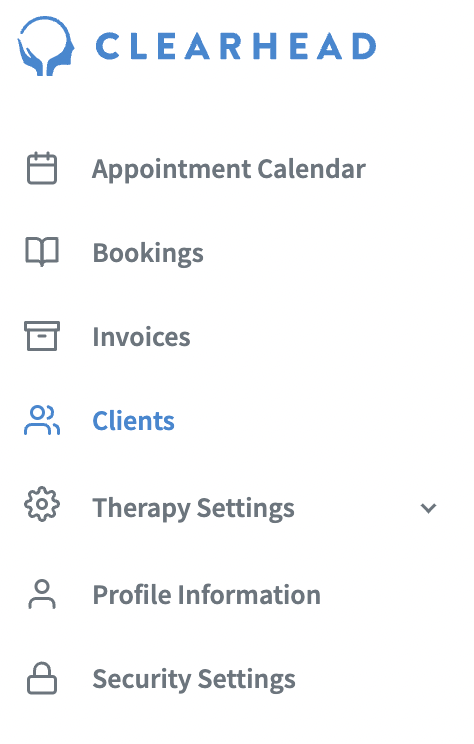
3. Search for your chosen client.
4. Edit the email of your client and press save.
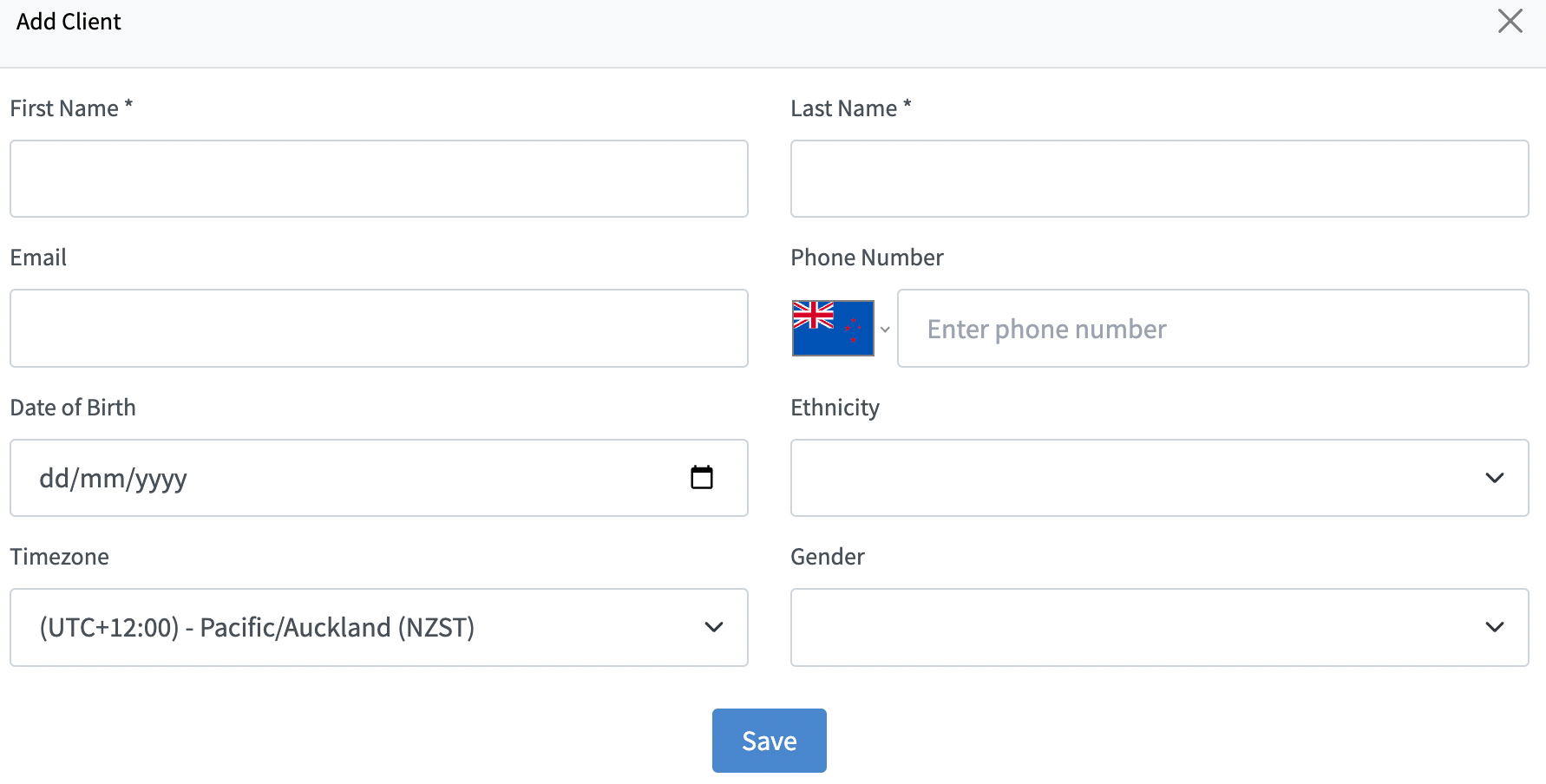
Now therapy related communications will go to this email instead.
Was this article helpful?
That’s Great!
Thank you for your feedback
Sorry! We couldn't be helpful
Thank you for your feedback
Feedback sent
We appreciate your effort and will try to fix the article